
Temporary Email for Pinterest: Save Ideas Without Losing Access
Keep access to saved boards with durable email. Temporary mail is a poor recovery address for a Pinterest account you plan to keep.
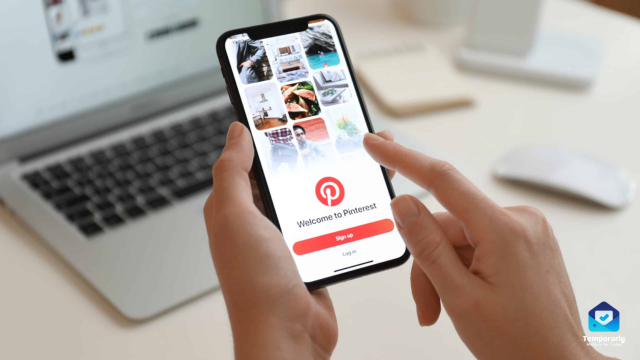
Saved ideas can outlast the mailbox
An account started for one project can become a collection you revisit for years. Before choosing disposable email, consider whether you would want to recover those boards after forgetting your password.
Keep security messages reachable
Pinterest documents email alerts about account changes, including changes you may not recognise. An address that has stopped receiving cannot help you notice those messages.
Separate notifications with a permanent address
A durable secondary inbox or alias can keep updates away from your main email while preserving access. Review notification preferences if the volume is the problem.
If you used temp mail already
Open account settings while you still have access, replace the expiring address, and complete the verification steps. Confirm that the new mailbox receives expected messages. Do not assume that knowing the old address is enough to restore it.
If a message is missing
Check the address associated with the account, its remaining availability, and the provider's delivery guidance. Avoid repeatedly requesting codes without checking which destination the account actually uses.
Choose based on what you want to keep
For a short-lived, permitted test with no valuable saved content, temporary email may be enough. For personal collections or business activity, use lasting recovery details. Temp mail does not add security to the account simply by expiring.