
Free temporary email, ready in one click.
Temp mail with no sign-up: copy your disposable email address, use it anywhere, and read incoming mail right here. A throwaway inbox that keeps your real one private and spam-free.
Ready to receive. Emails are shown as safe plain text.
Free limit reached
Keep going for free
Watch a short ad to unlock a new address and 5 more emails today. Ads keep Temporarly free, so thank you for supporting us.
Free limits are counted per network, so private and incognito windows share the same allowance.
Loading your ad…
Your ad is playing. Watch it to the end to unlock your reward.
Send it. Poof. It’s gone.
Share passwords, bank details and private messages with a link that self-destructs once it’s read. End-to-end encrypted in your browser. Free.
- 🔒 AES-256, encrypted before it leaves your device
- 💨 Read once, then deleted
- 📎 Notes and files up to 10 MB
Your new address and 5 emails unlock when the ad ends.
Unlocking your reward…
Thank you for supporting Temporarly!
You can create a new address and receive 5 more emails today. Refreshing your inbox…
Inbox 0
Checks automatically every 15 sHow to get a temporary email in 3 steps
Use a disposable email address wherever a site insists on an email you would rather not hand over. No account, no spam.
Copy your temp email
A fresh address is waiting the moment the page loads. Or pick a name you can remember.
Use it anywhere
Paste it into a sign-up form, a download gate, a free trial or your own app's test flow.
Read it here, then move on
Codes and links land in this inbox within seconds. The address expires on its own after 24 hours.
What a disposable email address is good for
Sign up without the spam
Newsletters, trials and one-off downloads never reach your real inbox.
Grab a code fast
Verification codes and confirmation links arrive in seconds.
Test your app's emails
Check welcome, verification and password-reset flows with real addresses.
Gone when you're done
Addresses expire on their own. Nothing to unsubscribe from later.
Free temp mail, with more when you need it
The temporary email inbox is free to use. Create a free account to remove the daily limit and the ads, or go Premium to keep your disposable addresses for longer.
Free account
For everyday sign-ups
$0 forever
- ✓ No daily email limit
- ✓ No ads
- ✓ Up to 10 custom + 10 generated addresses
- ✓ 24 hours per address
- ✓ 100 MB storage after you verify your email
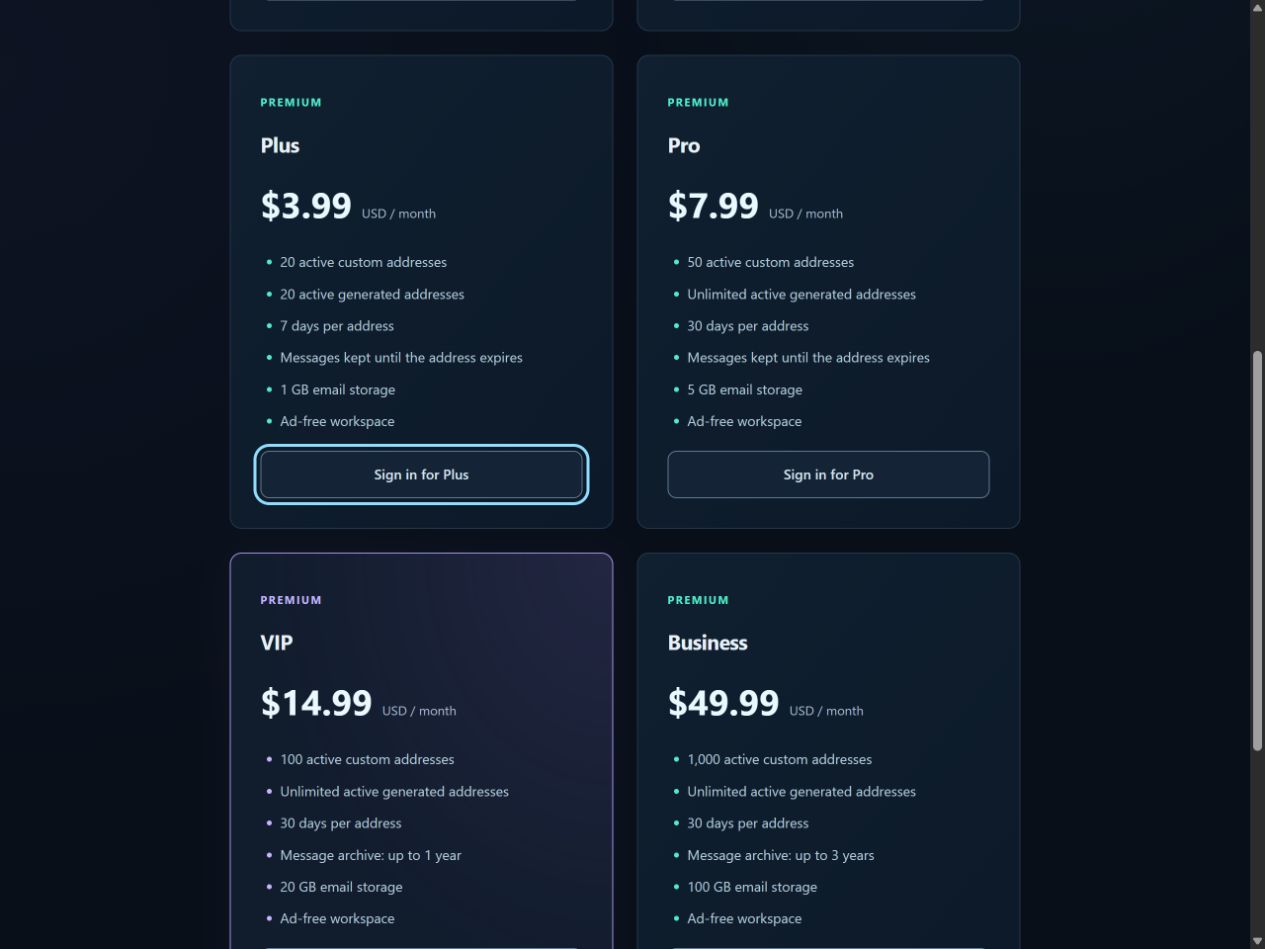
Premium Plus
For regular personal use
$3.99 / month
- ✓ 20 custom + 20 generated addresses
- ✓ 7 days per address
- ✓ 1 GB storage
- ✓ Ad-free
Premium Pro
For heavy use and testing
$7.99 / month
- ✓ 50 custom addresses
- ✓ Unlimited generated addresses
- ✓ 30 days per address
- ✓ 5 GB storage, ad-free
Need more? VIP and Business plans add message archives and larger storage. Compare all plans
Temporary email FAQ
Quick answers about temp mail, disposable addresses and how long they last.
What is a temporary email address?
A temporary email address (also called temp mail, disposable email or throwaway email) is a real address that receives email for a short time and then stops. Use it where you don't want to give out your personal email.
How long does a disposable email last?
Free addresses receive email for 24 hours. Premium Plus keeps each address for 7 days and Premium Pro for 30 days. When an address expires it stops receiving new mail.
Is temp mail free?
Yes. Without an account the inbox on this page receives up to 5 emails a day. A free account removes that daily limit and the ads. Premium plans start at $3.99 a month for more addresses and longer lifetimes.
Can I choose my own temporary email address?
Yes. Type a name in the custom inbox box and open it. Custom names are public until claimed and can be guessed, so don't use them for sensitive mail. Premium lets you reserve a private address.
Is a throwaway email safe to use?
Emails are shown as safe plain text. Use a temporary address for sign-ups, trials and testing, and keep an address you control for important accounts, purchases and password recovery.
Can I use a temp email to test my own app?
Yes. Use it to check sign-up, verification, welcome and password-reset emails in your own apps. Use test accounts and sample data only.
A smarter way to use email.
 Article
How to Test Signup Emails with a Temporary Inbox
Use Temporarly for manual signup and verification email QA. Follow a practical checklist with desktop and mobile screenshots, plus when Plus or Pro helps.
Read guide →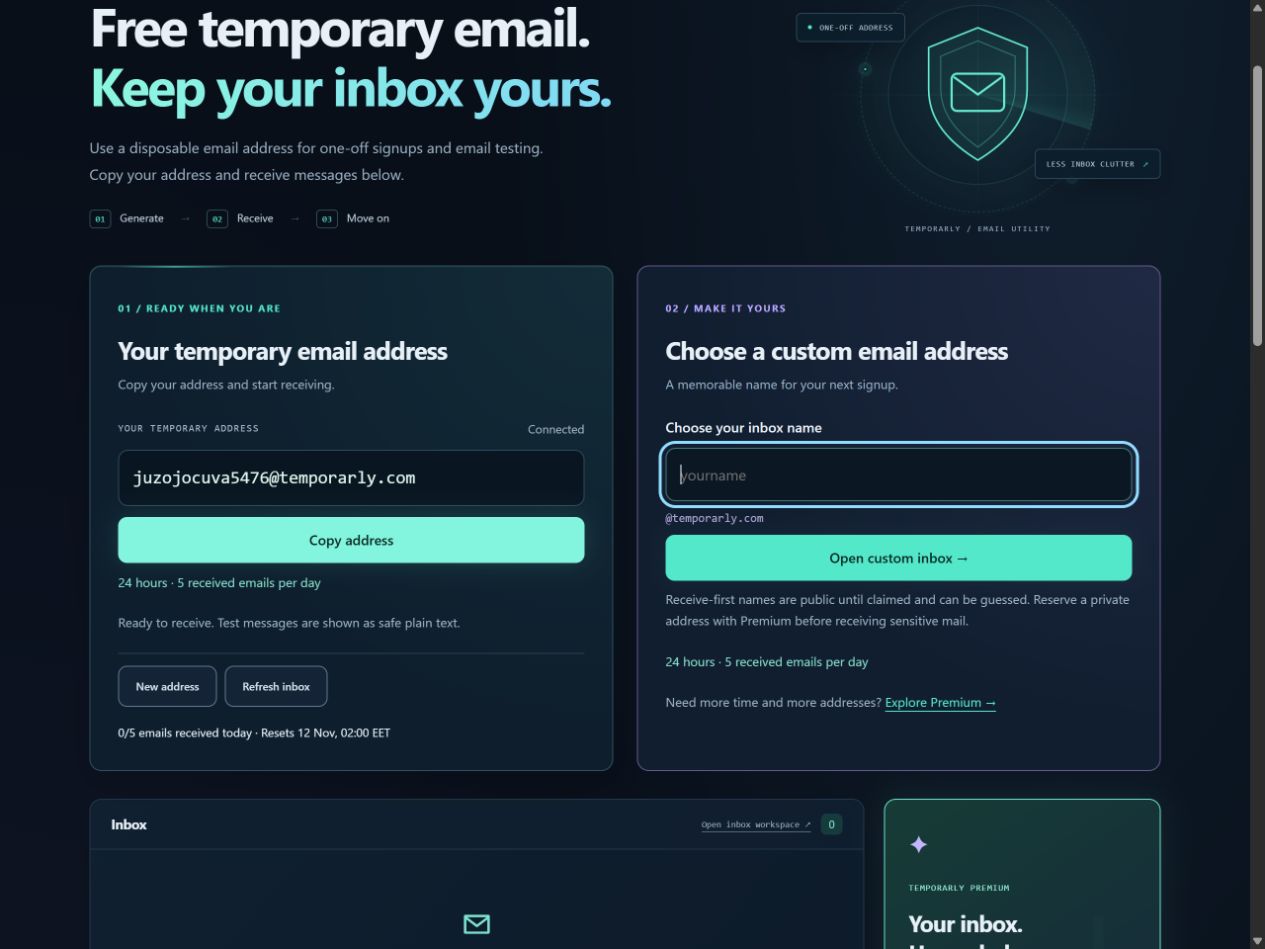 Article
How to Create a Custom Temporary Email Inbox
Choose a custom temporary email name in Temporarly. See real desktop and mobile steps, understand receive-first mail, and check expiry before sharing.
Read guide →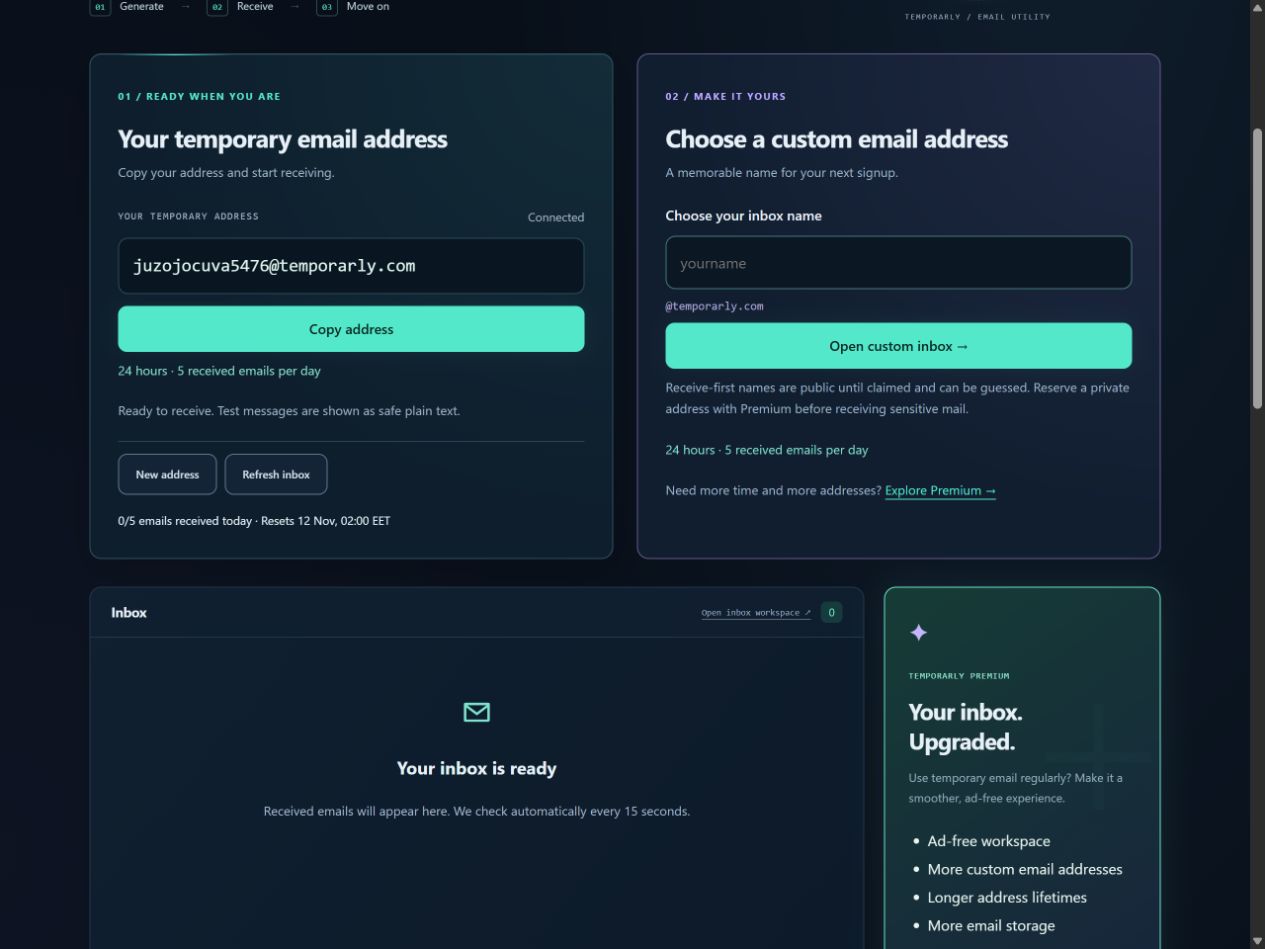 Article
How to Create a Free Temporary Email Address
Create and copy a free temporary email address in Temporarly. Follow real desktop and mobile screenshots, check expiry, and find your incoming messages.
Read guide →Using temp mail often?
A free account removes the daily limit and the ads, and keeps your addresses in one place.